
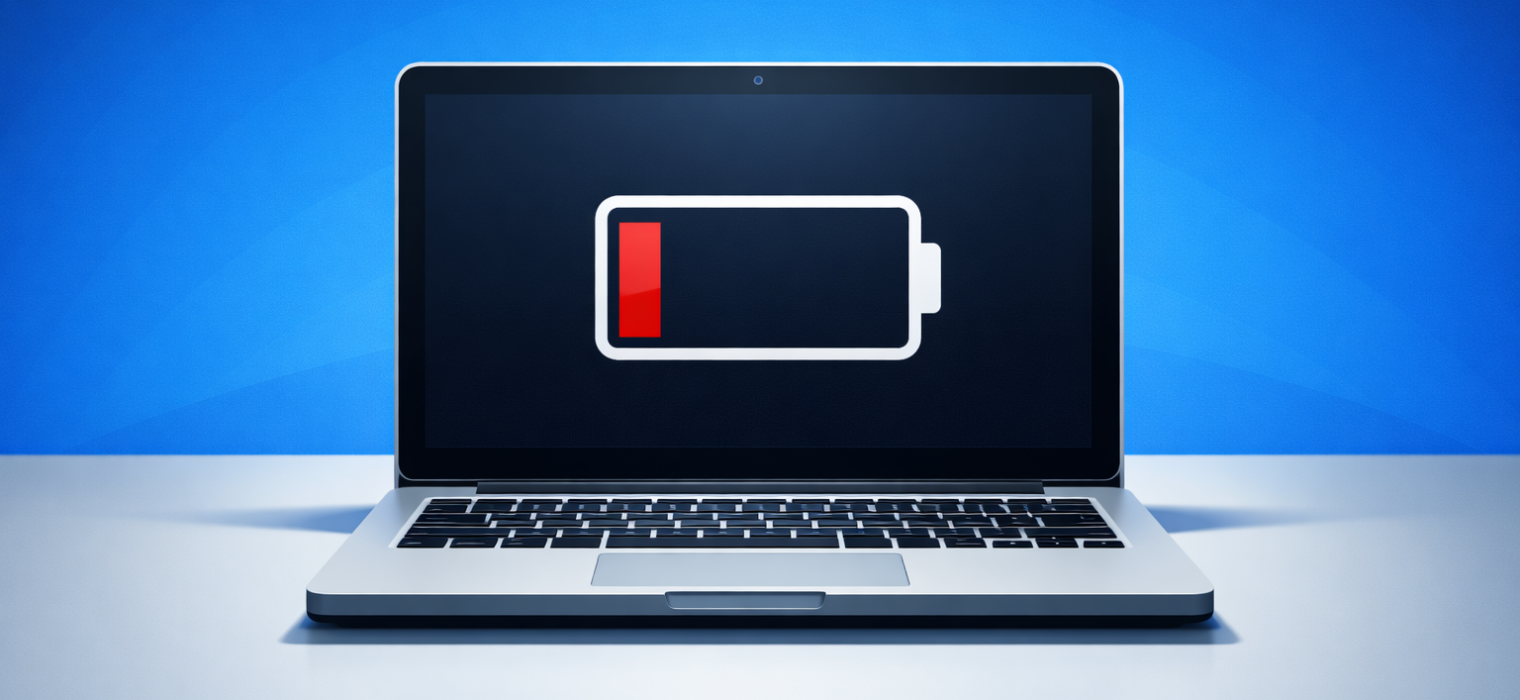
When you bought your laptop, the battery probably lasted most of the day. Now you’re hunting for a power outlet by mid-morning and carrying a charger everywhere you go. At some point, it stopped being a laptop and started being a desktop computer with a very short extension cord. Before you start shopping for a replacement, there’s something worth knowing: in most cases, the laptop is fine; it’s just the battery.
Why batteries wear out (and why it’s not your fault)
Laptop batteries don’t last forever, and that’s not a flaw or a design failure; it’s just chemistry. Every time your battery charges and drains, it goes through what’s called a charge cycle, and each one causes a tiny amount of wear on the cells inside. After 300 to 500 of those cycles, most batteries are operating at somewhere between 60 and 80 percent of their original capacity. After 800 or more, many are down to half or worse.
Think about how often you charge your laptop. If you’re plugging in every day, you’re burning through charge cycles faster than you might realize. Within two to three years, most people are already well into the range where noticeable battery degradation sets in.
The heat doesn’t help either. Batteries wear out faster when they run hot, and laptops that spend most of their life on soft surfaces (blankets, pillows, your lap) tend to trap heat underneath them. Using your laptop while it’s charging, leaving it plugged in at full charge for extended periods, and running demanding programs all add to the wear.
What’s actually happening inside the battery
A laptop battery is made up of cells, similar in concept to the batteries in a TV remote, but far more sophisticated. Over time, those cells lose their ability to hold a charge as effectively. The battery itself isn’t broken; it’s just old. The laptop still works, the ports still work, the screen still works, and the only component that’s genuinely worn out is the battery.
This is why it’s worth pausing before assuming you need a new machine. Most people get to this point and conclude that the laptop has “had it.” In reality, the only part that’s had it is a component about the size of a small notebook that sits inside the case and can, in many models, be replaced for a fraction of the cost of a new laptop.
Can it be fixed?
In most cases, yes. Battery replacement is one of the most common repairs we do, and it’s often quicker and less expensive than people expect. For many popular laptop models, it’s a straightforward job: we remove the old battery, fit a new one, and your runtime goes back to something close to what it was when the laptop was new.
There are some cases where it’s more involved. Certain ultra-slim laptops have batteries that are glued rather than screwed into place, which takes more time to do properly. We’ll always give you a clear quote before any work begins so you know exactly what you’re looking at.
The question worth asking yourself is this: if the rest of your laptop works well and it’s otherwise running smoothly, why spend $800 or more on a replacement when a battery swap might solve the problem entirely? A battery replacement typically costs a fraction of a new laptop, and if the machine is otherwise in good shape, it’s almost always worth doing first.
What to do next
If your laptop is struggling to hold a charge, bring it in, and we’ll take a look. We can check the current health of your battery and tell you honestly whether a replacement makes sense, whether the laptop is worth fixing, or whether there’s something else going on. Most of the time, the answer is a battery swap, and you’re back to a properly portable laptop by the end of the day.